Challenges and Solutions
Overcoming key technical and design hurdles to deliver a superior conversational AI experience.
01. No Native Keyboard on Apple Watch
Apple Watch does not come with a built-in keyboard, making text input difficult for users who want to send messages or emails directly from the watch.
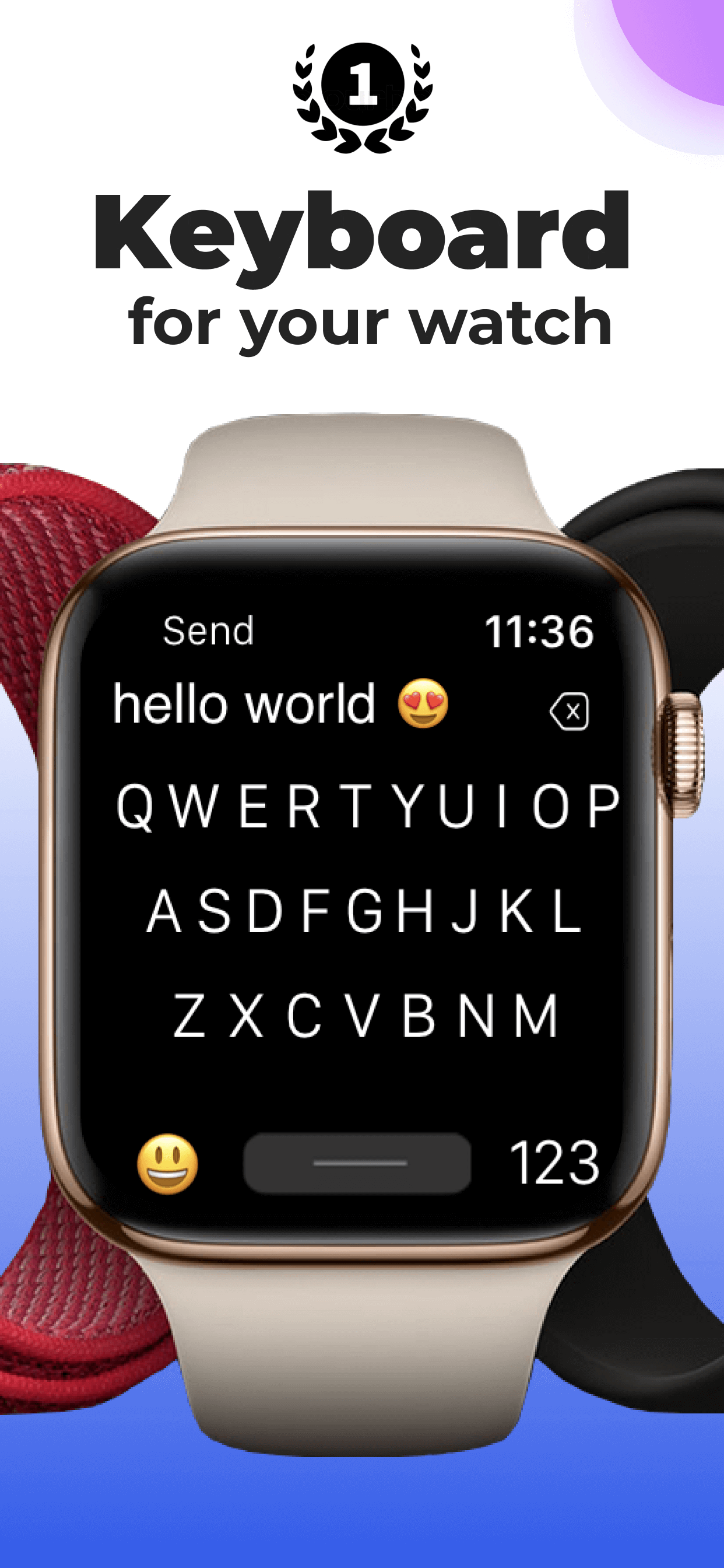
Developed a standalone keyboard application optimized for watchOS, allowing users to type messages, emails, and other text seamlessly on the Apple Watch.
02. Small Screen Usability
The small screen size of Apple Watch makes it difficult to tap keys accurately, especially for users with larger fingers.
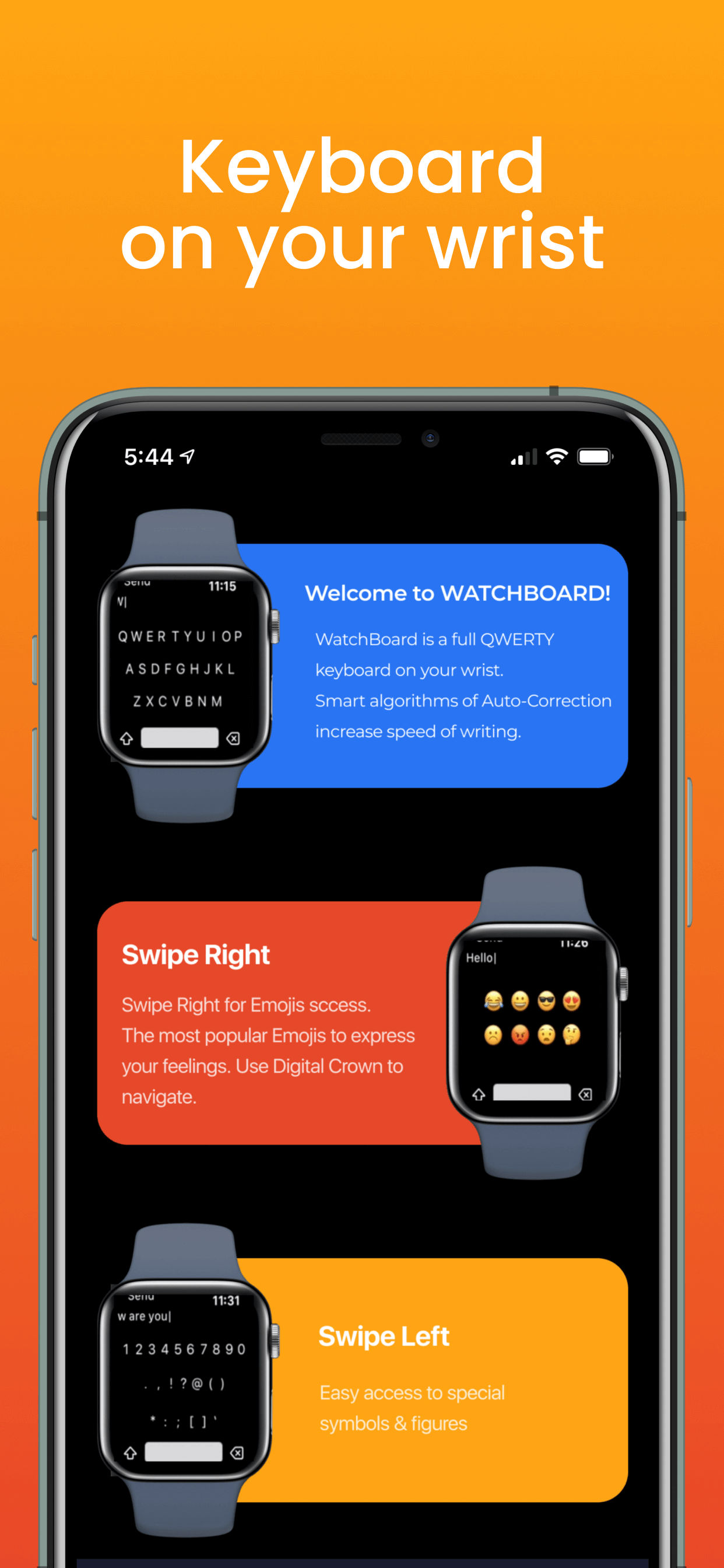
Designed large, well-spaced keys and integrated swipe-to-type functionality to enable faster and more accurate typing on the watch’s compact screen.
03. Personalized User Experience
Users wanted the ability to personalize the keyboard based on preferred input method, language, and other preferences for convenience.
Implemented local storage to save user preferences, including swipe input settings, preferred language, emoji options, and font styles.
Objective
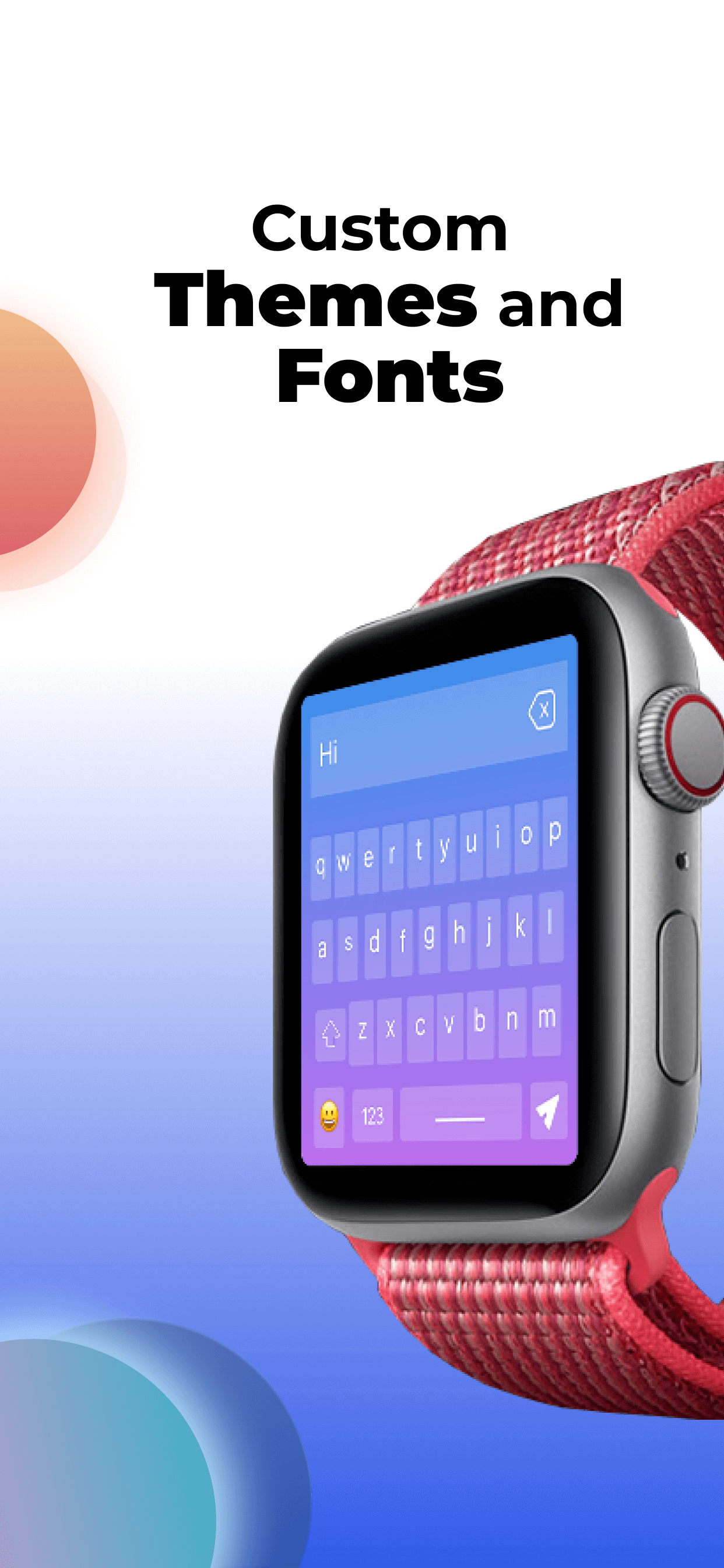
Our client was seeking to develop a keyboard extension for a watch app that is easy to navigate and use. In order to facilitate this, the keys on the keyboard should be large enough to be accurately pressed on small screens.
The keyboard should also support a swipe-to-type input method for faster typing. In order to provide a personalized experience for the user, the keyboard should be able to save preferences such as the preferred input method and language. Overall, the goal is to create a keyboard extension that is intuitive, efficient, and tailored to the needs of the user.
Our Approach
Standalone Keyboard Application
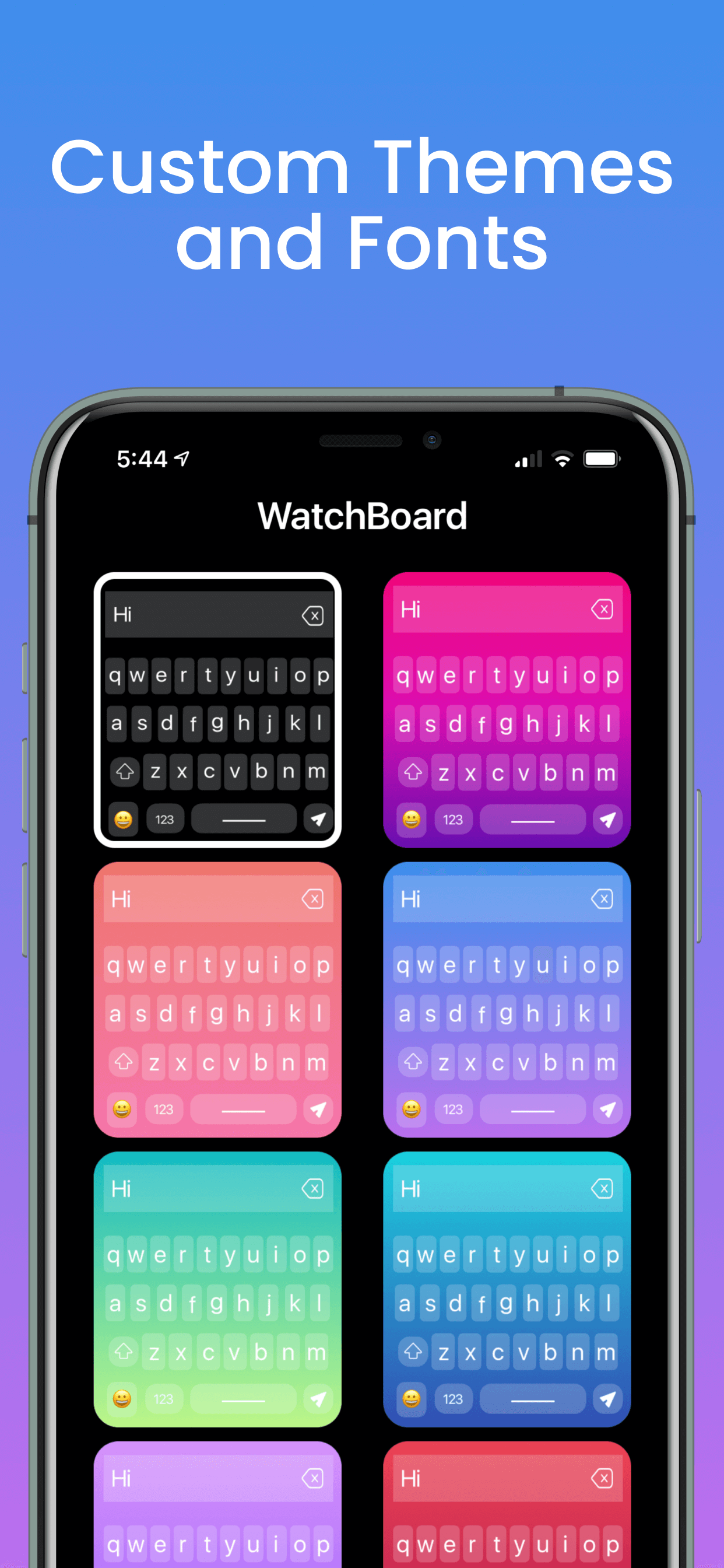
The Apple Watch does not have a built-in keyboard, so PlusInfosys developed a standalone keyboard application that can be used to type on the watch. This keyboard app allows users to type messages, emails, and other text with ease. Our team has also included additional features such as emoji support, different font options, and spell correction to enhance the user experience. This keyboard app has a convenient and easy way for Apple Watch users to input text.
Available on

Tech Stack Used
Result
We were tasked to publish a watch keyboard application on the App Store within a specified timeline. It was important to carefully manage the development process and allocate sufficient time for each task in order to meet the deadline for publishing the watch keyboard app. PlusInfosys managed to meet the deadline.